
WhatsApp Chatbot Implementation Best Practices: The Complete 2026 Guide to Automating Customer Engagement
In 2026, WhatsApp isn't just a messaging app—it's a business powerhouse. With over 2.7 billion users worldwide and a 98% open rate, WhatsApp has become the go-to channel for customer communication. But here's the catch: manually responding to every message isn't scalable. That's where WhatsApp Chatbots come in.
However, implementing a WhatsApp chatbot isn't as simple as setting up auto-replies. Done wrong, it can frustrate customers and damage your brand. Done right? It can 24/7 automate support, boost sales, and skyrocket customer satisfaction.However, implementing a WhatsApp chatbot isn't as simple as setting up auto-replies. Done wrong, it can frustrate customers and damage your brand. Done right? It can 24/7 automate support, boost sales, and skyrocket customer satisfaction.
In this comprehensive guide, we'll walk you through the 10 best practices for WhatsApp chatbot implementation that will help you build a bot your customers will actually love. In this comprehensive guide, we'll walk you through the 10 best practices for WhatsApp chatbot implementation that will help you build a bot your customers will actually love.
Why WhatsApp Chatbot? The Business Case
Before diving into implementation, let's understand why WhatsApp chatbots are a game-changer:
Key Benefits:
24/7 Availability: Your business never sleeps, even if your team does.
Instant Responses: No more "We'll get back to you in 24 hours."
Cost Efficiency: Reduce customer support costs by up to 30%.
Higher Engagement: WhatsApp messages have a 45-60% response rate vs. 2-5% for emails.
Personalized Experience: Leverage customer data for tailored interactions.
Global Reach: Support customers in 100+ countries with multilingual bots.
Stat Alert: Businesses using WhatsApp chatbots report a 40% increase in customer satisfaction and a 25% boost in conversion rates.
10 Best Practices for WhatsApp Chatbot Implementation
1. Define Clear Objectives (Start with "Why")
Before writing a single line of code, ask yourself: "What problem am I solving?"
A chatbot that tries to do everything ends up doing nothing well. Focus on 1-2 core use cases initially, then expand.
Common Use Cases:
Customer Support: FAQs, order tracking, troubleshooting
Lead Generation: Product inquiries, demo bookings
Sales & Conversions: Checkout assistance, upselling
Notifications: Order updates, payment reminders, appointment confirmations
Feedback Collection: Post-purchase surveys, NPS scores
Pro Tip: Map your top 20 incoming customer questions. If 80% are repetitive, those are perfect for automation.
2. Choose the Right Platform (Don't Cheap Out)
Not all WhatsApp chatbot platforms are created equal. Your choice depends on your business size, budget, and technical expertise.
Key Considerations:
Pricing Model: Per message vs. monthly subscription
Integration: Does it connect with your CRM, ERP, or e-commerce platform?
Ease of Use: No-code drag-and-drop vs. developer-heavy
Support: 24/7 customer support availability
Compliance: GDPR, data privacy, and WhatsApp policy adherence
3. Design Conversation Flow (Keep It Simple, Stupid)
Your chatbot's success hinges on its conversation design. A confusing flow = frustrated users = lost customers.
Golden Rules for Flow Design:
Start with a Warm Greeting
"Hi [Name]! Welcome to [Brand]. How can I help you today?"
Use Quick Reply Buttons (Not Open Text)
Buttons reduce typing effort and guide users.
Example: Track Order, Product Info, Talk to Support
Keep Messages Short (Under 160 characters)
Long paragraphs get skipped. Break into bite-sized chunks.
Provide Escape Routes
Always include: "Type 'human' to talk to our team."
Use Rich Media
Images, videos, PDFs, and carousels boost engagement by 3x.
4. Personalize Every Interaction (Hi [Name], Not "Hi Customer")
Generic messages feel robotic. Personalization makes users feel valued and understood.
Ways to Personalize:
Use the customer's first name (from CRM or past chats)
Reference past purchases ("How's your new laptop working?")
Send birthday/anniversary wishes with exclusive offers
Recommend products based on browsing/purchase history
Use location-based offers ("Flash sale in your city!")
Pro Tip: WhatsApp's template messages allow personalized notifications (with user opt-in). Use them wisely!
5. Leverage AI & NLP (Go Beyond Keywords)
Rule-based bots (if-then logic) work for simple FAQs. But for complex queries, you need AI-powered chatbots with Natural Language Processing (NLP).
AI Benefits:
Understands context, not just keywords
Learns from past conversations to improve
Handles multiple intents in one message
Provides smarter recommendations
Top AI Tools:
Google Dialogflow: Easy setup, supports 30+ languages
IBM Watson: Enterprise-grade AI
Rasa: Open-source, highly customizable
Microsoft Bot Framework: Integrates with Azure services
6. Offer Multilingual Support (Speak Their Language)
If you're serving a global or diverse audience, one language isn't enough.
How to Implement:
Use AI translation APIs (Google Translate, DeepL)
Create separate flows for each language
Let users switch languages mid-conversation
Hire native speakers to review translations (avoid awkward phrasing
Stat: 75% of customers prefer buying in their native language.
7. Ensure Seamless Human Handoff (Know When to Step Back)
Even the smartest AI can't handle everything. When a query gets too complex, smoothly transfer to a human agent.
Best Practices:
Visible Option: "Talk to human" should always be accessible
Context Transfer: Share chat history with the agent (no repeating!)
Quick Handoff: Aim for under 2 minutes wait time
Set Expectations: "An agent will join in 1-2 minutes. Thanks for waiting!"
Pro Tip: Use hybrid models where the bot handles 80% of queries, and humans tackle the remaining 20% (complex issues).
8. Test Rigorously (Before Going Live)
Launching an untested chatbot is like releasing a buggy app. Test, test, test!
Testing Checklist:
All conversation flows work end-to-end
Buttons, links, and media load correctly
Error messages are clear and helpful
Human handoff works smoothly
Works on Android, iOS, and WhatsApp Web
Handles typos and unexpected inputs
Beta Testing: Run a pilot with 50-100 real users. Collect feedback and iterate before full launch.
9. Track Analytics & Optimize (Data-Driven Decisions)
You can't improve what you don't measure. Track these key metrics:
Essential KPIs:
Response Time: Average time bot takes to reply (aim: <2 seconds)
Resolution Rate: % of queries solved by bot (target: 70%+)
Drop-off Rate: Where users abandon the conversation
Customer Satisfaction (CSAT): Post-chat ratings (1-5 stars)
Conversion Rate: % of chats leading to sales/leads
Containment Rate: % of queries handled without human intervention
WhatsApp Business API Dashboard
Google Analytics (for web integrations)
Custom dashboards (via CRM/BI tools)
Pro Tip: Set up weekly reviews to analyze drop-off points and optimize flows.
10. Continuously Improve (Never Set and Forget)
A chatbot is a living product, not a one-time project. Regular updates keep it relevant and effective.
How to Improve:
Monthly: Analyze user feedback and chat logs
Quarterly: Update FAQ database with new queries
Bi-Annually: Add new features based on user demand
Annually: Audit against industry trends and competitors
Pro Tip: Monitor competitors' chatbots. What features do they have that you don't?
Common Mistakes to Avoid (Learn from Others' Failures)
- Over-Automation: Don't automate everything. Some interactions need a human touch.
- Complex Flows: Too many options confuse users. Keep it simple.Ignoring Feedback: User complaints are gold. Listen and improve.
- No Escape Option: Forcing users to stay in bot mode = frustration.
- Poor Testing: Bugs and broken flows damage trust. Test thoroughly.
- Generic Messages: "Hi Customer" feels robotic. Personalize!
- Slow Handoff: Waiting 10+ minutes for a human? Users will leave.
Future Trends: WhatsApp Chatbots in 2026 and Beyond
The chatbot landscape is evolving fast. Here's what's coming:
1. Voice-Enabled Chatbots
Users will soon speak to bots (not just type). Think: "Hey WhatsApp, order my usual coffee."
2. Augmented Reality (AR) Integration
Try products virtually before buying. Example: "See how this sofa looks in my living room.
3. Predictive AI
Bots will anticipate needs before users ask. Example: "Your order is delayed. Want a refund or replacement?"
4. Blockchain for Security
Secure transactions and data with blockchain encryption.
5. Hyper-Personalization
AI will tailor every interaction based on user behavior, preferences, and history.
Real-World Success Stories (Proof It Works)
1. Domino's Pizza
Use Case: Order placement, tracking, and offers via WhatsApp.
Result: 30% increase in orders, 50% faster checkout.
2. MakeMyTrip
Use Case:Flight bookings, hotel reservations, travel updates.
Result: 40% boost in customer satisfaction, 25% reduction in support costs.
3. PharmEasy
Use Case: Medicine orders, prescription uploads, delivery tracking.Result: 24/7 support led to 25% sales increase.
4. H&M
Use Case: Style recommendations, outfit suggestions, size guides.
Result: 35% higher engagement, 20% increase in average order value.
Quick Implementation Checklist
- Define clear objectives (1-2 use cases)
- Choose the right platform (budget + features)
- Design simple, intuitive conversation flow
- Add personalization (name, history, preferences)
- Integrate AI & NLP for smarter responses
- Offer multilingual support
- Ensure seamless human handoff
- Test rigorously (beta + QA)
- Track analytics (KPIs + dashboards)
- Continuously improve (feedback + updates)
Final Thoughts: Build a Bot People Actually Like
A WhatsApp chatbot isn't just a tool—it's an extension of your brand. Done right, it can:
Save hours of manual work
Delight customers with instant support
Drive sales on autopilot
Scale your business without scaling costs
But remember: Technology alone isn't enough. Empathy, simplicity, and continuous improvement are what separate great chatbots from mediocre ones.
Start small, iterate fast, and always keep the user at the center. Your customers (and your bottom line) will thank you.
Let JHB Automations Build Your WhatsApp Chatbot!
Why struggle with complex setups when experts can handle it for you? At JHB Automations, we specialize in creating custom WhatsApp chatbots that drive real results for your business.
Frequently Asked Questions
Yes! Most chatbot platforms support integrations with popular tools like:
CRM: Salesforce, HubSpot, Zoho
E-commerce: Shopify, WooCommerce, Magento
Helpdesk: Zendesk, Freshdesk
Analytics: Google Analytics, Mixpanel
APIs and webhooks enable seamless data sync between your chatbot and existing systems.
You can do both! If you already have a chatbot, experts like JHB Automations can:
Audit and identify improvement areas
Redesign conversation flows for better UX
Add AI/NLP capabilities for smarter responses
Integrate with new tools or platforms
Optimize for higher conversion rates
No need to start from zero—enhance what you have!
Related Articles
 AI Chatbot
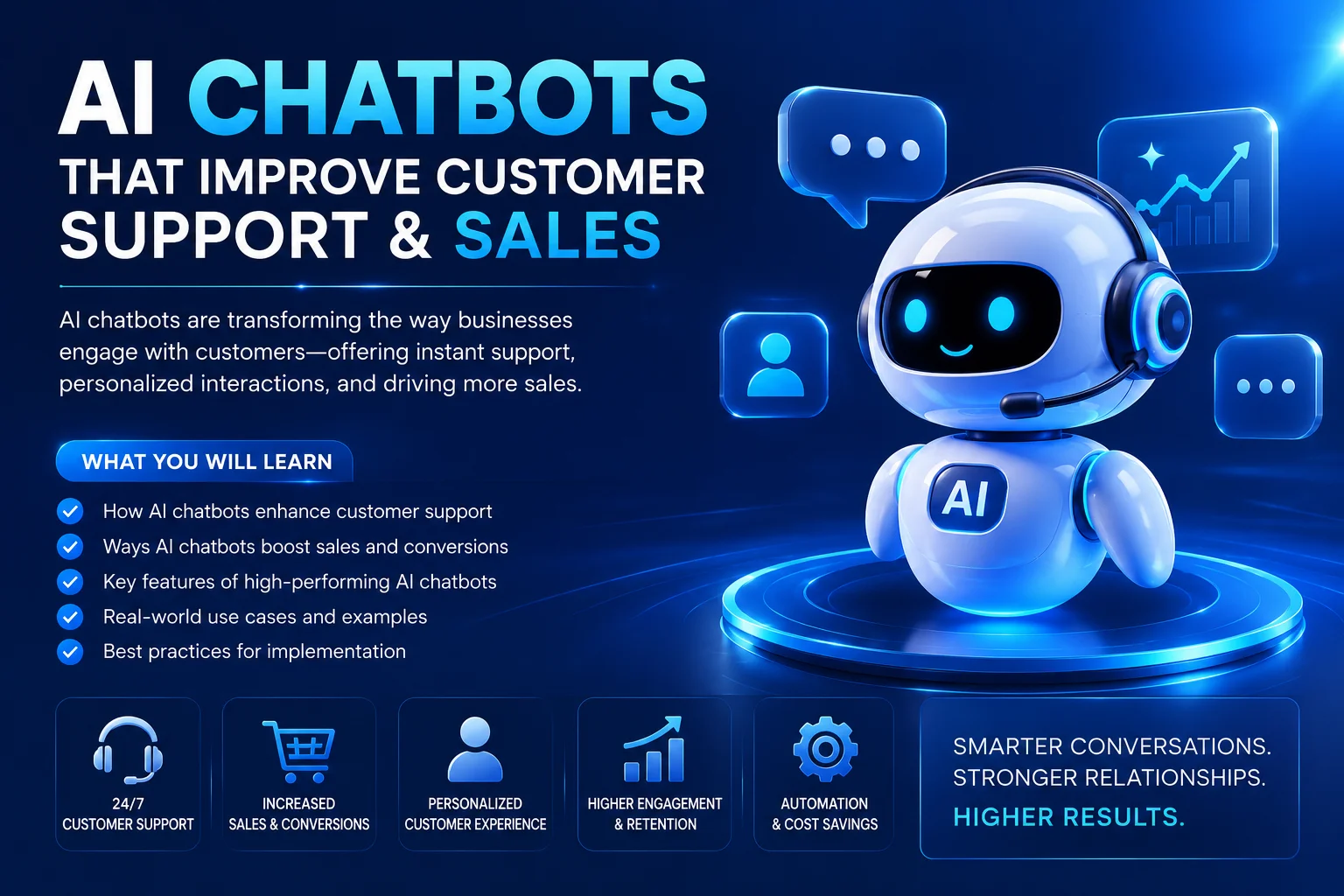
AI Chatbots That Improve Customer Support & Sales
Discover how AI chatbots can transform customer support and sales by providing 24/7 assistance, instant responses, personalized interactions, automated lead generation, and better customer engagement. Learn how businesses can use AI chatbots to improve service, increase conversions, and drive growth.
 AI Chatbot
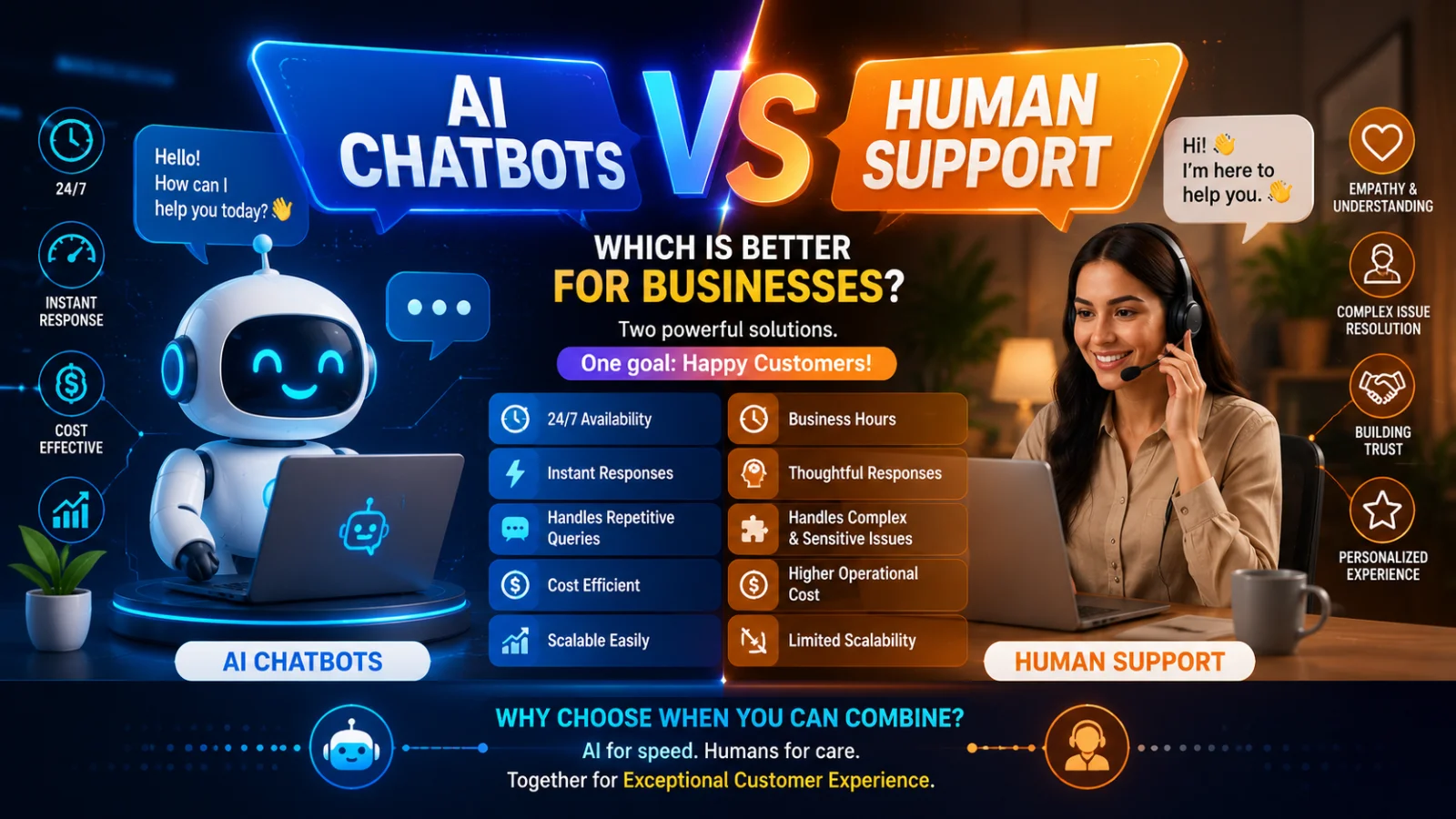
AI Chatbots vs Human Support: Which Customer Support Strategy Delivers Better Business Results?
Choosing between AI chatbots and human support impacts your costs, response time, and customer retention. Here's a complete comparison to help you pick the right strategy for your business.
 E-commerce website
The Future of Mobile Commerce and E-commerce Website Development
Mobile commerce growth, AI-driven personalization, headless architecture, voice commerce, PWA, social commerce, AR/VR, and sustainability are the key trends shaping e-commerce websites in 2026.