
Mobile App Development for Startups: A Complete Guide
If you’re a startup founder in 2026, the question isn’t “Do we need a mobile app?”—it’s “How fast can we launch a useful, scalable app that actually moves our metrics?” This guide gives you a clear, step‑by‑step playbook to decide, plan, build, and grow a mobile app without burning cash or losing focus. And if you’d rather move faster with a partner who’s done this end‑to‑end, JHB Automations helps startups ship production‑ready mobile apps and automation workflows—think strategy, UX, dev, QA, launch, and post‑launch growth under one roof.
Why Startups Still Need a Mobile App (Even With a Great Website)
A responsive website is necessary, but a mobile app is strategic. Apps win where speed, retention, and deep device capabilities matter.
Higher engagement and retention: Apps sit on the home screen, support push notifications, and enable one‑tap actions—key for habit formation and repeat usage.
Better performance and UX: Native or well‑optimized cross‑platform apps feel faster and smoother than mobile web, especially for frequent tasks.
Access to device features: Camera, GPS, biometrics, offline storage, background tasks—apps unlock capabilities that mobile web handles poorly or not at all.
Owned channel for growth: Push, in‑app messaging, and deep links give you direct, controllable touchpoints beyond email and ads.
When your core value depends on frequent, fast, or context‑aware interactions, an app becomes a growth lever, not just a “nice to have.”
Step 1: Validate the Need — Should Your Startup Build an App?
Before writing a single line of code, confirm that an app is the right vehicle for your problem.
Use this quick litmus test
Frequency: Will users open it at least weekly? If usage is rare, a mobile site or progressive web app (PWA) may suffice.
Depth: Do users need complex workflows, offline access, or device hardware? If yes, app > web.
Differentiation: Will an app materially improve conversion, retention, or NPS versus mobile web?
Distribution: Can you acquire users via app stores, referrals, or field teams in a cost‑effective way?
Run a lightweight validation sprint (1–2 weeks)
Problem interviews: 8–10 conversations with target users to confirm pain points and current workarounds.
Landing page + waitlist: Spell out the value prop, show mock screens, and measure sign‑up intent.
Clickable prototype: Test key flows (onboarding, core action, upgrade) with 5–7 users; iterate on friction points.
Pre‑commitments: For B2B, aim for pilot LOIs or paid pilots; for B2C, aim for waitlist conversions or pre‑orders.
If validation shows strong intent and frequent use, proceed. If not, refine the problem or consider a PWA first.
Step 2: Choose the Right Approach — Native, Cross‑Platform, or PWA
Your tech choice affects speed, cost, performance, and long‑term maintenance.
Native (Swift/Kotlin)
Pros: Best performance, full device access, premium UX, ideal for complex, high‑frequency apps.
Cons: Two codebases (iOS + Android), higher cost and longer timelines.
Best for: Performance‑critical apps, heavy media/AR, or when platform‑specific polish is a differentiator.
Cross‑Platform (Flutter, React Native)
Pros: One codebase, faster iteration, near‑native performance for most use cases, cost‑effective for startups.
Cons: Some edge‑case device features may need native modules; occasional platform quirks.
Best for: Most startups needing speed, consistency, and scalability across iOS and Android.
Progressive Web App (PWA)
Pros: No app store friction, instant updates, great for discovery and light, infrequent tasks.
Cons: Limited push (on iOS), weaker offline/background capabilities, less “home screen” presence.
Best for: Content‑first experiences, low‑frequency utilities, or as a complement to an app.
Rule of thumb: If you’re a startup optimizing for speed and budget, start with a cross‑platform app (Flutter/React Native) and add native modules only where needed.
Step 3: Define MVP Scope — Ruthless Prioritization
Startups fail by building too much, too soon. Your MVP should prove value, not impress with features.
Focus on the “one job” your app must do
Identify the single core outcome users care about (e.g., “book a service in 60 seconds,” “log field data offline,” “close a sale from the road”).
Map the shortest path to that outcome from first open.
Cut everything that doesn’t directly enable or measure that path.
MVP feature set template
Onboarding: Minimal friction (email/phone OTP, social login if relevant).
Core flow: 3–5 screens max to complete the primary job.
Payments/monetization (if applicable): One clear plan, one primary gateway.
Analytics: Event tracking for onboarding completion, core action, retention, and conversion.
Feedback loop: In‑app prompt or chat for early user input.
Defer “nice‑to‑haves” (profiles, referrals, gamification, advanced settings) until you have steady usage and clear signals.
Step 4: Design for Retention — UX Principles That Move Metrics
Great UX isn’t just pretty—it’s persuasive. Design choices should reduce friction and increase perceived value.
First 60 seconds: Make the first win obvious. Let users experience value before asking for permissions or payments.
Progressive disclosure: Show only what’s needed now; reveal advanced options as users gain confidence.
Empty states that teach: Use blank screens to explain what to do next with examples, not just text.
Error prevention > error messages: Validate inputs inline, offer defaults, and prevent dead‑ends.
Performance as a feature: Aim for sub‑2‑second load on core actions; cache aggressively; show optimistic UI where safe.
For startups, retention is the moat. Every screen should answer: “Why would the user come back tomorrow?”
Step 5: Build Smart — Architecture, Security, and Scalability
You don’t need enterprise over‑engineering, but you do need a foundation that won’t break at 10x growth.
Architecture basics
Modular structure: Separate concerns (auth, data, UI, analytics) to enable parallel work and easier testing.
State management: Use predictable patterns (e.g., Redux, Provider, Riverpod) to avoid UI bugs as complexity grows.
API design: Versioned, REST or GraphQL endpoints with clear contracts; handle pagination and retries gracefully.
Security must‑haves
Auth: Secure token storage, refresh flows, and role‑based access.
Data: Encrypt sensitive data in transit (TLS) and at rest; avoid logging PII.
Compliance: Align with relevant standards early (e.g., GDPR/POPIA for user data, PCI‑DSS for payments).
Scalability considerations
Backend: Start with managed services (Firebase, Supabase, or serverless) to move fast; refactor to containers/microservices when load demands it.
Observability: Centralized logs, crash reporting, and performance monitoring from day one.
Feature flags: Ship safely with gradual rollouts and instant kill‑switches.
Step 6: Testing, QA, and Release Readiness
Skipping QA is the fastest way to lose trust. Build a lightweight but effective testing rhythm.
Unit tests: Cover core logic, especially calculations, auth, and payments.
Integration tests: Validate API contracts and critical user journeys.
Device matrix: Test on top 5–8 devices/OS versions your users actually use.
Beta program: Use TestFlight (iOS) and Play Console internal/closed tracks (Android) for real‑world feedback.
Store compliance: Follow App Store and Play Store guidelines on permissions, payments, and content to avoid rejection delays.
Aim for a “boring” launch: no heroics, just a clean, stable experience that does the core job exceptionally well.
Step 7: Go‑to‑Market — App Store Optimization (ASO) + Launch Plan
An app without distribution is a prototype. Treat ASO and launch like a product feature.
ASO essentials
Title and subtitle: Include primary keywords and your value prop.
Description: Lead with outcomes; use social proof and clear CTAs.
Screenshots/video: Show the core flow in the first 2–3 frames; annotate benefits, not just features.
Ratings and reviews: Prompt happy users after a successful action; respond to feedback publicly.
Launch playbook (2–3 weeks)
Pre‑launch: Tease on social, email, and partner channels; open a waitlist with early‑access perks.
Launch week: Coordinate PR, influencer demos, and paid user acquisition on a tight budget.
Post‑launch: Iterate quickly on onboarding friction, crash reports, and top support tickets.
Track cost per install (CPI), activation rate, day‑7 retention, and conversion to paid (if applicable). Optimize the funnel, not just top‑of‑funnel traffic.
Step 8: Measure, Learn, and Iterate — The Growth Loop
Your first release is a hypothesis. The real product emerges from data‑driven iteration.
North Star metric: Choose one metric that best reflects value (e.g., weekly active users completing the core action).
Cohort analysis: Track retention by signup week to see if changes actually improve stickiness.
Qualitative feedback: In‑app surveys, support chats, and user interviews reveal “why” behind the numbers.
Release cadence: Ship small, frequent updates (every 1–2 weeks) to compound learning.
Over time, layer in referrals, content, and integrations that deepen the ecosystem around your core job.
Common Pitfalls (And How to Avoid Them)
Building before validating: Solve a real, frequent problem first; features later.
Over‑scoped MVP: Cut scope until it hurts, then cut one more thing.
Ignoring analytics: If you can’t measure it, you can’t improve it. Instrument from day one.
Chasing every platform: Start where your users are; expand once you have traction.
Treating launch as the finish line: Launch is the starting gun for learning and iteration.
How JHB Automations Helps Startups Ship Faster
If you want to move quickly without hiring a full in‑house team, JHB Automations partners with startups end‑to‑end:
Strategy and scoping: Validate the problem, define MVP, and map the shortest path to value.
Design and UX: Conversion‑focused flows, onboarding that sticks, and brand‑aligned interfaces.
Mobile development: Flutter/React Native builds with clean architecture, security, and scalability.
Automation and integrations: Connect your app to CRM, marketing, payments, and ops tools to reduce manual work.
QA, launch, and ASO: Test rigorously, publish cleanly, and optimize store listings for discovery.
Post‑launch growth: Analytics setup, retention experiments, and feature prioritization based on real usage.
The goal is simple: help you launch a useful app fast, learn faster, and scale without rewrites.
Ready To Turn Your Idea Into a Live App?
If you’re thinking, “We need an app that actually moves our metrics,” let’s talk. Share your use case, target users, and timeline—and we’ll outline a lean MVP plan, tech approach, and a realistic launch roadmap. With the right focus, your startup can go from concept to App Store and Play Store in weeks, not months.
Frequently Asked Questions
A focused MVP with a clear core job can ship in 4–8 weeks, depending on complexity, integrations, and feedback cycles. The key is ruthless scope control and a tight design‑dev‑QA rhythm.
Related Articles
 App Development
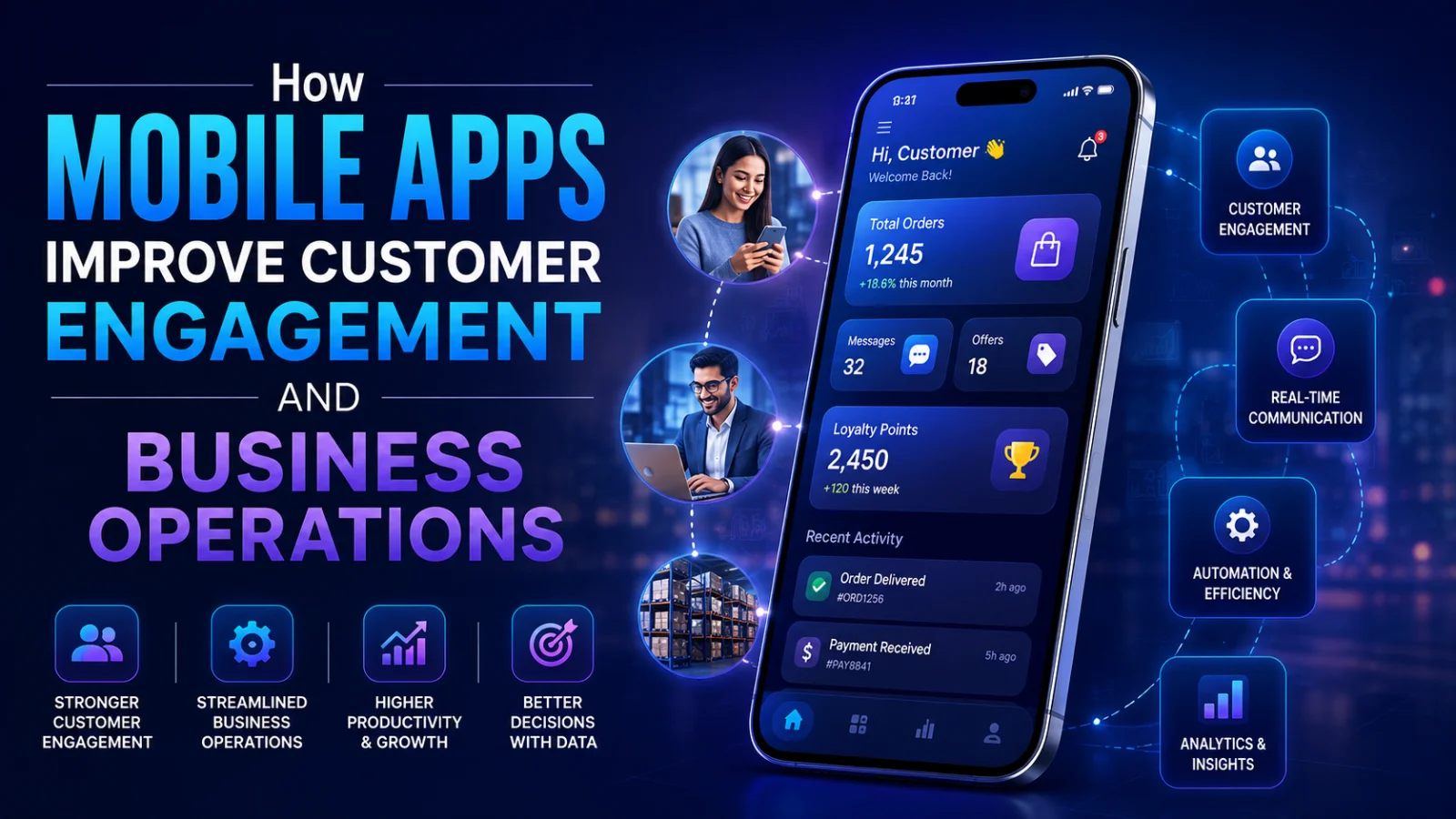
 How Mobile Apps Improve Customer Engagement and Business Operations
Mobile apps drive higher engagement, retention, and operational efficiency. Learn why businesses in 2026 are investing in apps for growth and customer loyalty.
 App Development
 Introducing Gunpoint Connect: Our EV Charging App Is Now Live on Google Play and the App Store
JHB Automations proudly announces the launch of Gunpoint Connect, a complete EV charging companion app now live on both the Google Play Store and Apple App Store. Discover how this app helps EV owners find charging stations, start sessions instantly, manage payments, and plan long trips — all in one place.
 App Development
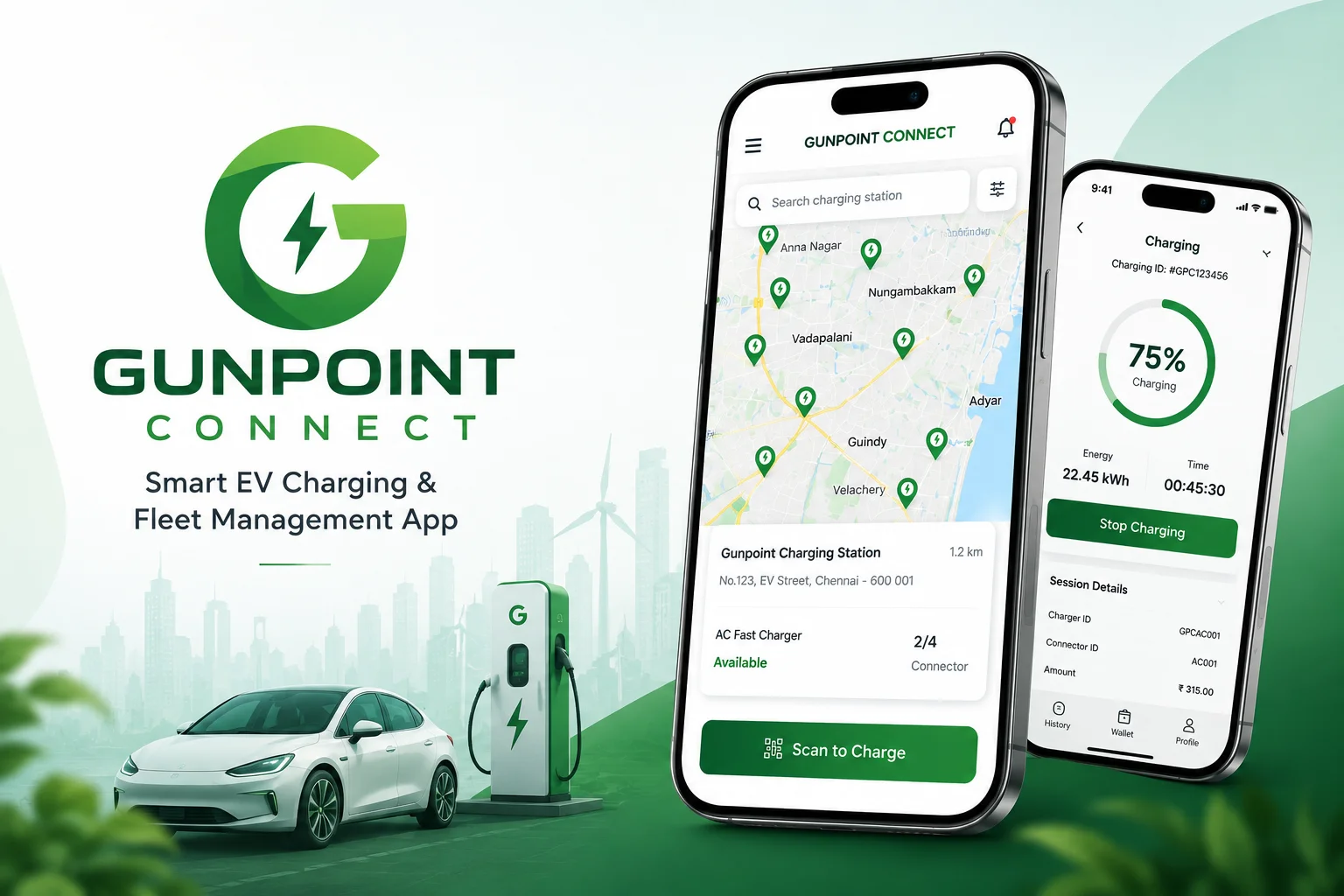
 Gunpoint Connect: A Smart EV Charging App for Seamless Charging and Fleet Management
Gunpoint Connect is a smart EV charging and fleet management application developed by JHB Automations to simplify EV charging operations, real-time monitoring, digital payments, trip planning, and fleet management. Now live on Google Play Store and Apple App Store, the app delivers a connected and convenient EV management experience for users and businesses.